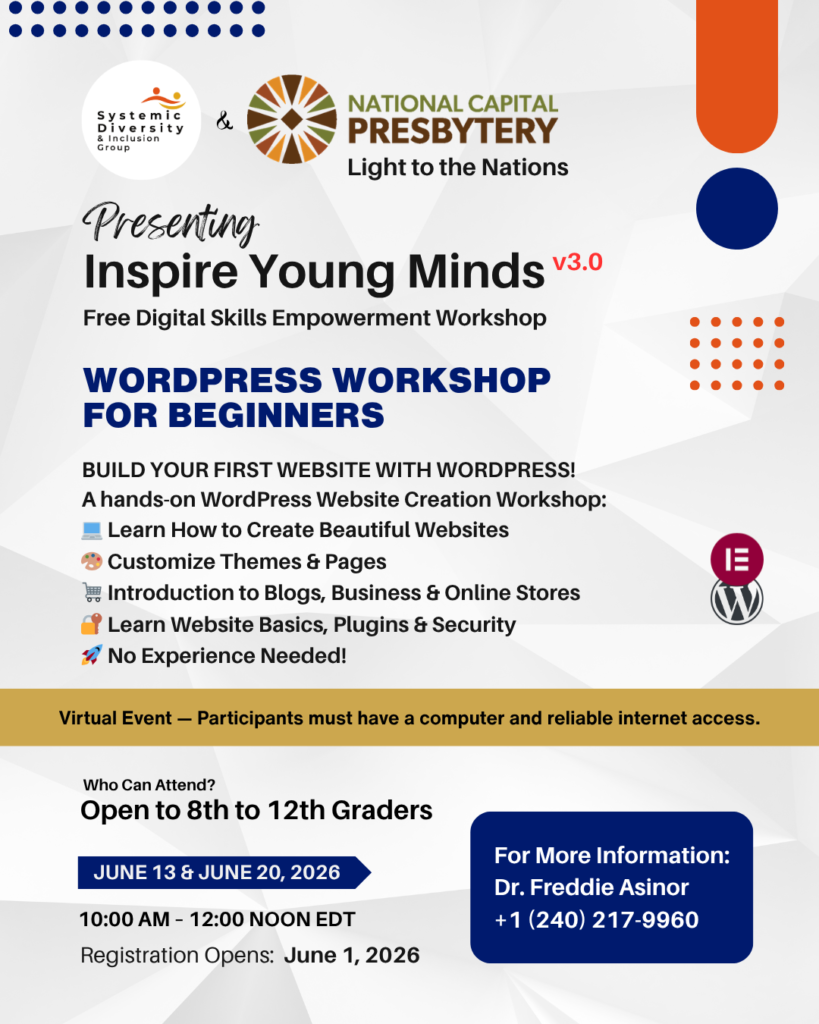
Inspire Young Minds v1.0
Free Digital Skills Empowerment Workshop
Bridging Equity Through Code: Empowering Young Minds for a Digital Future
In today’s fast-growing tech world, digital literacy is no longer optional—it is a pathway to opportunity. This webinar will highlight how accessible digital tools like WordPress can empower young people, promote equal access, and open doors for growth in education, entrepreneurship, and career development. Our guest speaker will share insights on how technology creates a level playing field and how early exposure to digital platforms can shape brighter futures. Following the talk, participants will take part in a practical workshop titled “Build Your First Website with WordPress & Elementor,” where beginners will learn step-by-step how to create a simple, functional website. No prior technical experience is required. This event is perfect for students, beginners, educators, and young tech enthusiasts who want to start their digital journey with the right foundational skills.
Dr. Freddie Asinor
Opening Address Speaker
🔗 About me
Joseph Jerry
Technical Support & Co-Facilitator
🔗 About me
What you wil learn
A hands-on WordPress Website Creation Workshop:
- How to use the Control Panel
- How to install WordPress
- Installing themes & templates
- Editing text, images & components
- Build a 4-page website (Home, About, Services, Contact)
Reasons to Attend
Beginner-friendly workshop offering practical skills, certificate, and affordable one-on-one training opportunities afterward available.
- Beginner-friendly
- Practical step-by-step guidance
- Learn real digital skills
- Certificate awarded
Order of Activities
- Welcome Address
- Guest Introduction
Dr. Asinor will share opening remarks, outline the purpose of the event, highlight the goals of the Inspire Young Minds program, and formally welcome all participants and contributors.
- Keynote Presentation
- Q&A Session
- Introduction & Facilitator Remarks — 11:20–11:35 AM (15 mins)
- Control Panel Overview — 11:35–11:50 AM (15 mins)
- Installing WordPress — 11:50 AM–12:10 PM (20 mins)
- Installing Theme — 12:10–12:25 PM (15 mins)
- Installing Template — 12:25–12:40 PM (15 mins)
- Changing Images, Text & Components — 12:40–1:00 PM (20 mins)
- Summary & Takeaways
- Presentation of Our Training Programs
- Vote of Thanks & Closing Remarks